Fences beat router instructions
We told the automatic router to stay out of the sensitive parts of the board. It obeyed, and the result was unusable. Physical keep-out fences fixed it, once we learned to trim them.
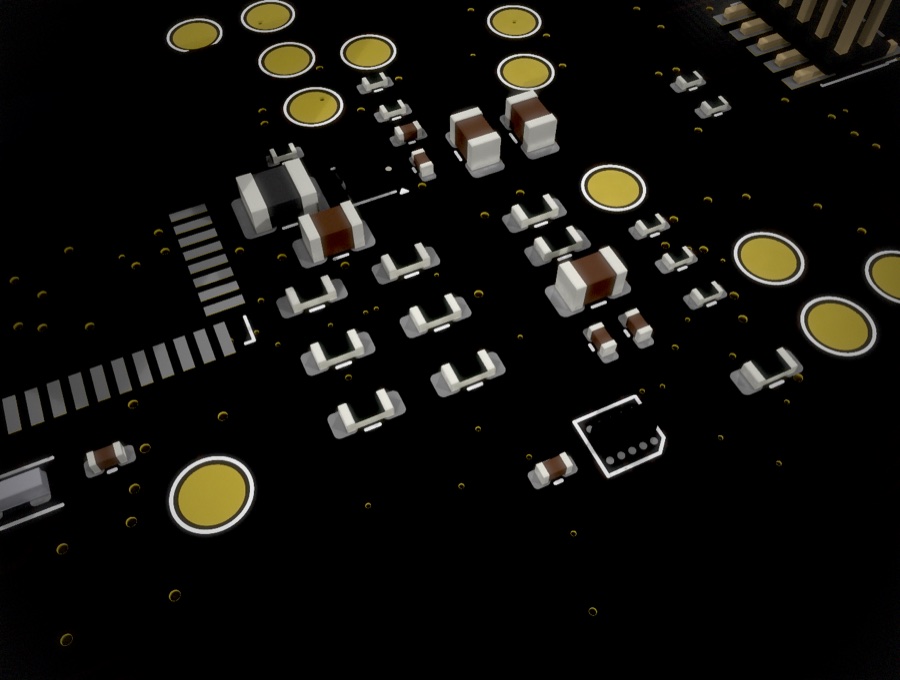
Patch’s board has areas that need to stay quiet: around the sensors, and around the parts that handle their small signals. We route most of the board with an automatic router, and the obvious way to keep copper out of those areas is to tell it so. Mark the regions, set the rules, press go. That approach failed, and it failed in a way that is worth writing down.
What the router did with an instruction
Given a region to avoid, the router does exactly what it is asked and nothing it isn’t. It won’t cross the region. It will go around it, by any path the rules still allow. One connection on our board, a short hop between two parts that sit close together, came out as 164 segments and 97 millimeters of copper. It zigzagged around the forbidden area, doubled back on itself, and arrived. By the router’s own rules this was a success: every constraint satisfied, every connection made. By any human standard it was absurd, and the rest of the routing was in the same spirit.
The lesson is about what a rule means to a router. An instruction to avoid a region doesn’t change what the router wants. It only removes options. The router still wants to complete every connection, and it will trade any amount of length and ugliness for completion. To the router, a keep-out is a cost to be paid, not an intent to be understood. The more regions we marked, the more inventive the detours became.
Fences
What worked was to stop describing the problem and start building it. Instead of marking regions as forbidden, we put physical obstacles on the board: keep-out fences, built from features the router treats as solid. A fence doesn’t ask the router to avoid an area. It makes the bad route impossible. There is no zigzag around a fence, because the fence is in the way, and the only routes left are the ones we would have drawn by hand. With fences in place the router produced short, direct connections, kept copper out of the sensitive areas, and needed far less fighting.
Every fence needed a shrink pass
Fences have a failure mode of their own, and we hit it straight away. Every fence we built trapped something at first. Draw a fence generously around a sensor and it cuts off the one escape route a neighboring part needed, or walls off a trace that had to pass that way to reach the other side of the board. The first version of every fence was too big.
So every fence got a shrink pass: route, find what is trapped, pull the fence in just far enough to open a path, route again. After a few passes each fence was as small as it could be while still making the bad routes impossible, and that is where it stayed. A fence that is too big is a different kind of wrong from a router that wanders, but it is still wrong, and it still has to be found by routing and looking.
Freeze the layout before you route
The other half of the lesson is about order. Routing is expensive, and on this board it is the last thing that should change. Each time we moved a part or a fence after routing had begun, the routing around it stopped being valid and had to be thrown away, often along with routing much farther off that had relied on the same channels. A small change in placement is cheap to make and expensive to recover from.
After a few rounds of that we stopped. Once routing began, the layout was frozen: no moving parts, no adjusting fences, no “just one small change”. Anything we still wanted to move went on a list, to be done all at once before the next full routing pass rather than one at a time in the middle of it.